MagicBand+ is still a fairly new concept over at Disneyland. While the MagicBand+ doesn’t have all the same capabilities (yet) that the ones on the Walt Disney World side have, it’s exciting to finally have them on the West Coast at Disneyland, especially during the Disney100 anniversary celebrations!
If you have a MagicBand+ and are still wondering how to use it or are thinking of getting one, here are all the fun ways you can use it while in Disneyland and Disney California Adventure.
Hands-Free Access
Sometimes it can be a pain to have your phone out throughout the day and go into the Disneyland app to access your ticket/pass for entry or scan the app when you use PhotoPass. With the MagicBand+, you can easily walk up to the main gate entrances, and Cast Members will scan your Band. It’s that easy! The same goes with PhotoPass; once you take your pictures, a Cast Member scans your Band, and your photos will upload to the Photo section in your app moments later as they usually would.
Another way MagicBand+ allows you to be hands-free is with Lightning Lanes. You have to choose your Lightning Lane selection on the app, but once you’re ready to check in at your Lightning Lane time and hop in line, you can scan your Band and not have to worry about juggling anything else you may be holding.

Enhanced Experiences
The MagicBand+ glows with color and pulses with haptic vibrations during World of Color, Fantasmic!, fireworks shows, Encanto projections on “it’s a small world,” and other select nighttime spectaculars. MagicBand+ features color-changing customizable light patterns, haptic vibrations, and gesture recognition to let you see and feel new experiences in the park. You will want to watch because your MagicBand even interacts with some attractions! I recently went on the Haunted Mansion, and at the very end, when exiting the ride and hearing the bride say, “Hurry back, hurry back…” my MagicBand started pulsing like a heartbeat and beat red; it was unexpected and pretty neat!
You may even discover surprising magical touches to select experiences at Avengers Campus in Disney California Adventure Park!
Interact with Disney100 Medallions
MagicBand+ glows and pulses with haptic vibrations at special Disney100 statue and medallion locations throughout the Disneyland Resort.
Per the Disneyland website, here’s how to interact:
Step 1: Make sure your Band is powered on and has the latest software update.
Step 2: Approach the Disney100 statue or medallion you wish to interact with. Your Band will notify you that you are in the right place to interact by glowing white and buzzing.
Step 3: Make a circular gesture with your MagicBand+.
Step 4: Experience enchantment as you see and hear the Disney100 statue and medallions come to life!
Don’t Forget!
Your MagicBand+ must be turned on and charged to experience this interaction. However, your Band does not need to be linked or paired to your Disney account.

Become a Bounty Hunter
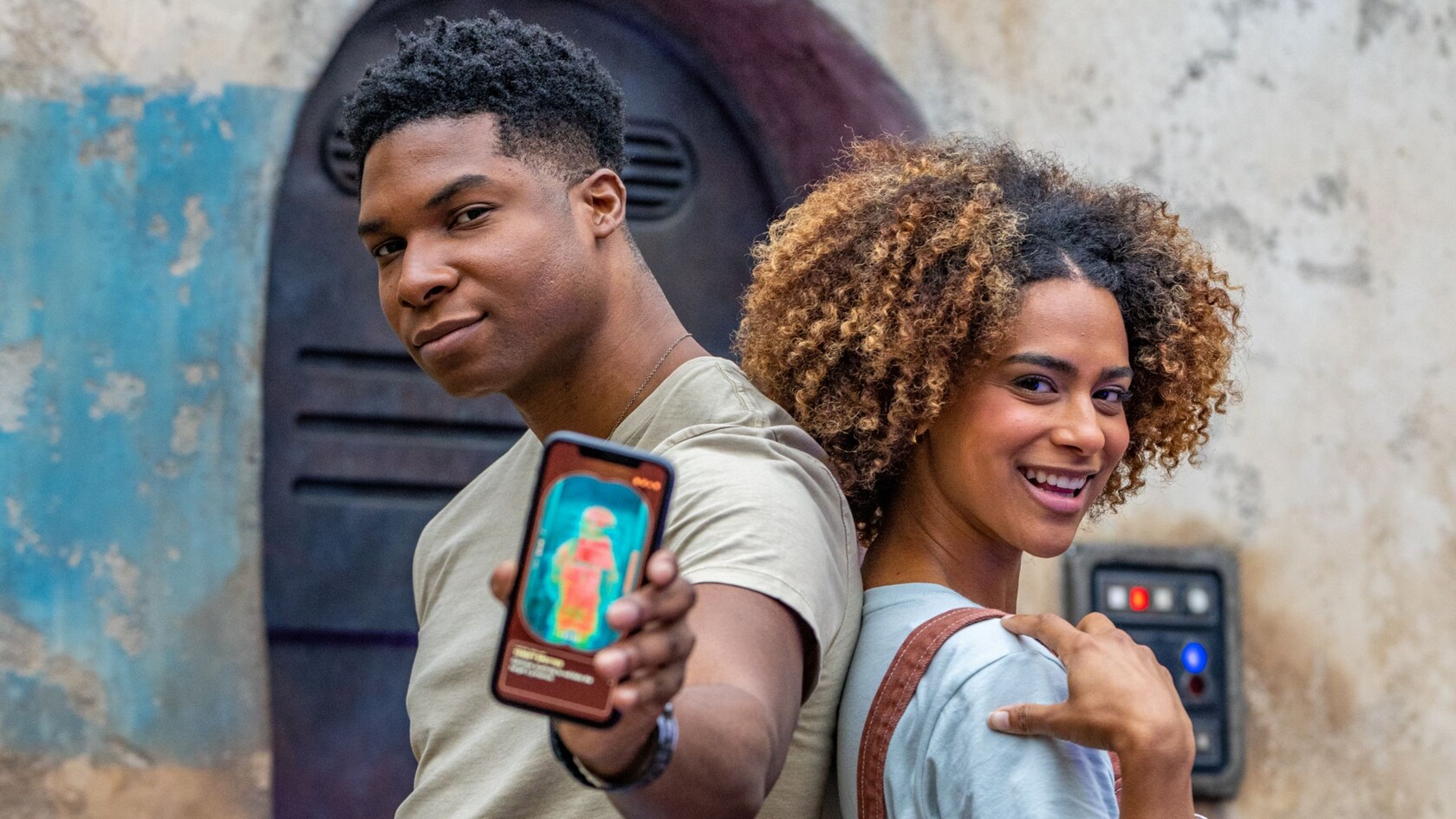
A new game in Galaxy’s Edge was introduced once MagicBand+ launched at Disneyland just a few months ago. MagicBand+ is your guide to seeking virtual bounties hidden across Black Spire Outpost in Star Wars: Galaxy’s Edge at Disneyland Park.
First, you’ll be assigned a bounty at a job board in Star Wars: Galaxy’s Edge. Next, you’ll search for your bounty as vibrations and lights on your MagicBand+ help guide you down the right path. Then, when you find your bounty, you can use the Play Disney Parks app’s augmented reality thermal viewer to reveal who’s hiding in the shadows. Finally, unlock hidden surprises from the Star Wars galaxy in a unique, interactive way! I played this game when it first launched, and it was pretty fun; it’s great fun for both kids and adults!
For the best experience, you will want to ensure your MagicBand+ software is up-to-date. You can check this by navigating to MagicBand+ in the Disneyland app (if you have paired the MagicBand+ to the device using the Disneyland app). A Bluetooth connection is required to check and complete a software update and at least 60% battery life.
Are you ready to book your Disney vacation? Leave all the details to our friends at Academy Travel Agency & let one of their Disney experts take it from here! Just click here to select your Disney destination of choice, fill out the quick & easy questionnaire, and your personalized, free agent will be in touch soon! Take a look around our website in the meantime, and read all about resorts, cruises, dining, entertainment & more! Be sure to follow us @thekingdominsider on Instagram & The Kingdom Insider on Facebook for updates & Insider info on what’s not to be missed! Get excited, the countdown to your vacation is ON!



Leave a Reply